See Sibelius in a Whole New Light
Published on February 26, 2026 · Updated on February 26, 2026
Big news! A major new Sibelius update is now available, delivering a refreshed look and powerful notation improvements.
Introducing a new dark theme, refined hi-res icons, cross-staff engraving improvements, ManuScript updates, and key fixes across Sibelius.
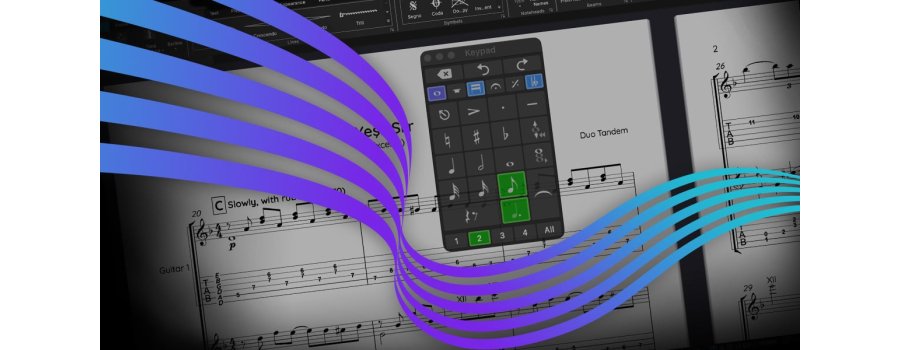
Dark Theme
- Switch between the classic light theme and a brand-new dark theme via the updated Appearances pane or the new “Switch Color Theme” command.
- Theme support now spans the Ribbon, Backstage, and all dialogs for a cleaner, modern workspace.
Hi-Res Icons + New Font on Mac
- All Sibelius icons have been upgraded to vector graphics, making them look crisp on hi-res displays in light and dark themes.
- Sibelius on macOS now uses Apple’s SF Pro font for a more polished, contemporary UI.
Cross-Staff Notation Enhancements
- New rules that hide bar rests automatically and dramatically clean up cross-staff beaming.
- Default engraving is clearer with fewer manual adjustments.
Two-Note Tremolo Update
- Whole-note tremolos now use doubled note values automatically.
- More accurate engraving with no extra editing.
General Fixes
- A long-standing crash involving MIDI devices has been fixed.
- The Edit Lines and Symbols dialogs now support High DPI previews.
- It's now possible to restore the default paper and desk textures.
- And much more!