
iZotope RX 12 Standard
Manufacturer: iZotope
Take tracks from raw to flawless with an intelligent suite of pro audio restoration tools. Rescue takes. Rebalance the mix. Polish the potential in every performance. And always release with confidence. All thanks to new features, upgraded and completely rebuilt modules, and an award-winning ecosystem.
Digital Download Purchase
£336.60
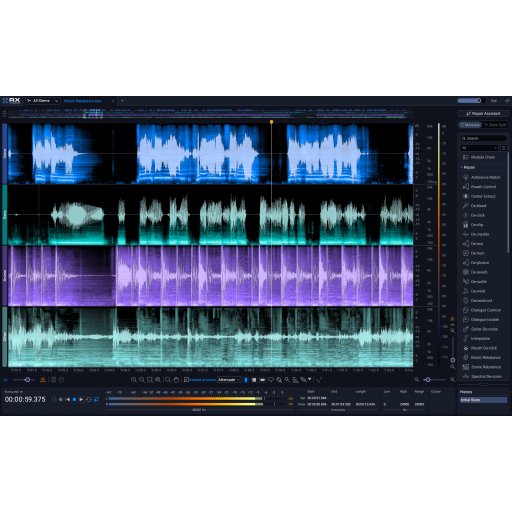
iZotope RX 12 is faster, smarter and sharper. RX 12 introduces faster and more precise ways to shape your audio. The new Stems View expands this further, allowing you to apply RX processing to individual elements with clarity. Updated machine learning improves tools like Music Rebalance and Dialogue Isolate, making them more accurate in both real-time and offline use.
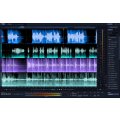
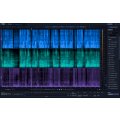
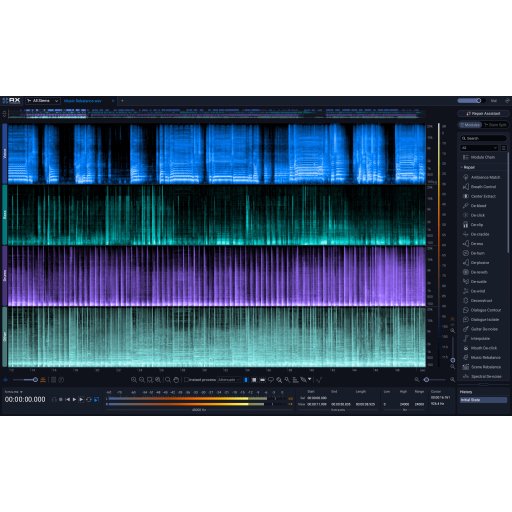
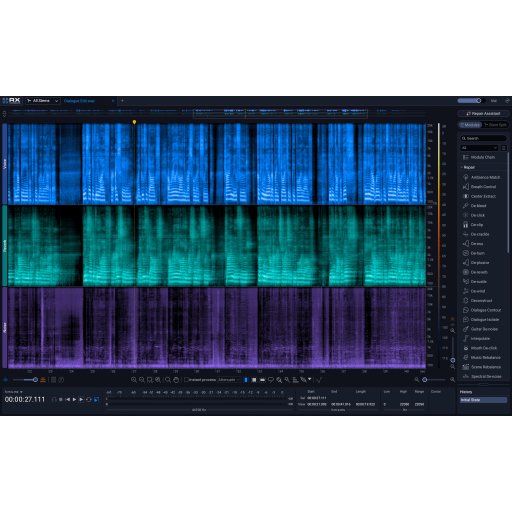
- Stems view: A track-based workflow that lets you apply the full RX toolkit to individual isolated stems
What’s improved?
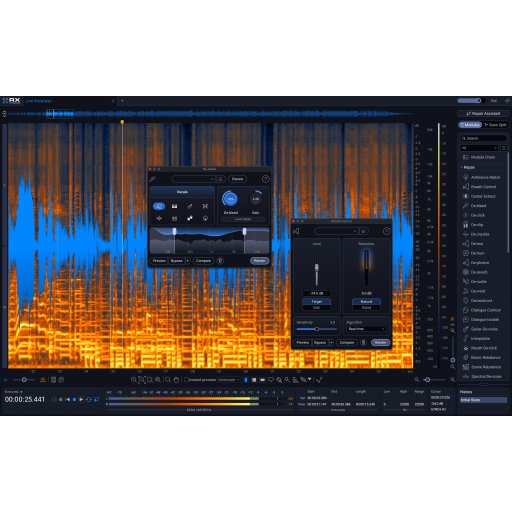
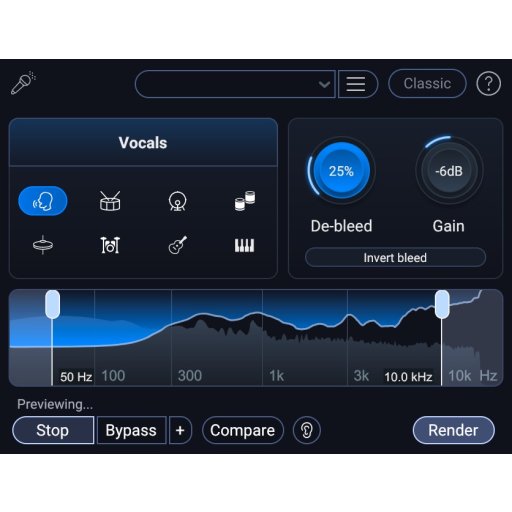
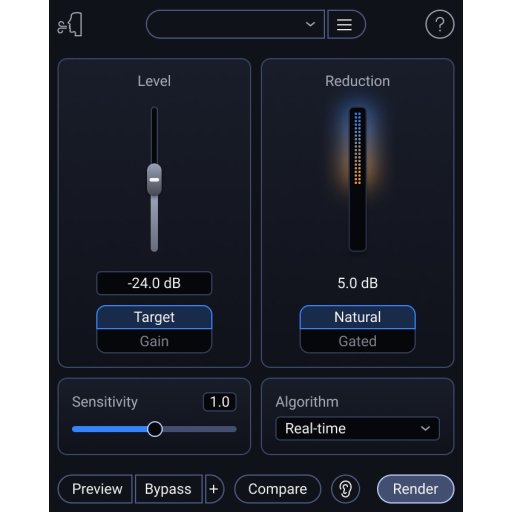
- De-bleed (Re-made): Rebuilt to remove headphone or instrument bleed without needing a reference track. Includes a new real-time plugin
- Breath Control (Re-made): Rebuilt with cutting-edge ML for significantly higher accuracy in detecting and removing breaths
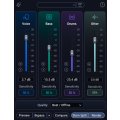
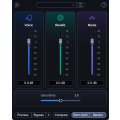
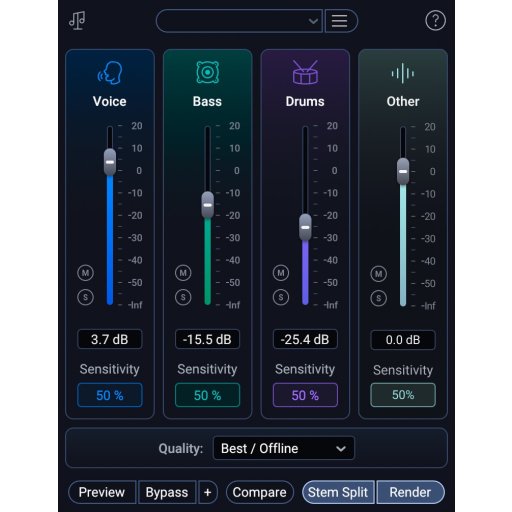
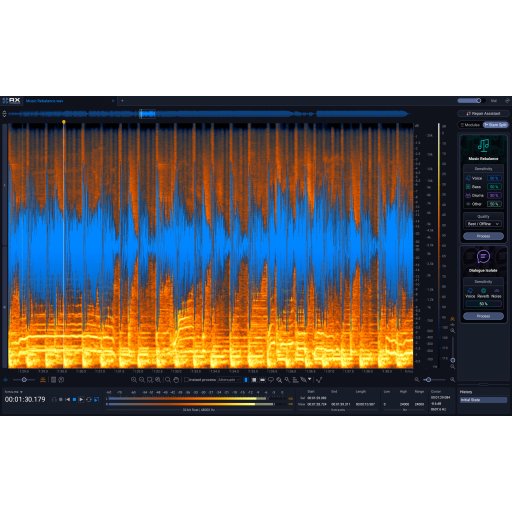
- Music Rebalance & Dialogue Isolate: Upgraded neural nets for pinpoint stem isolation and cleaner, more transparent voice processing. Includes a new real-time plugin
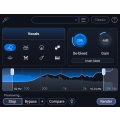
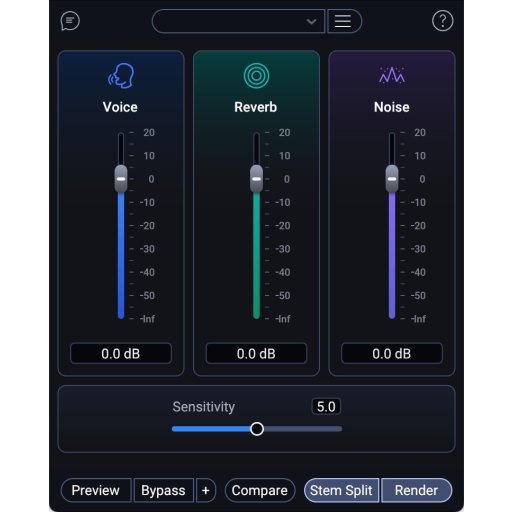
- Dialogue Isolate (Improved): De-noising and de-reverb for dialogue & vocals, powered by new state-of-the-art neural nets for improved accuracy across realtime and offline modes
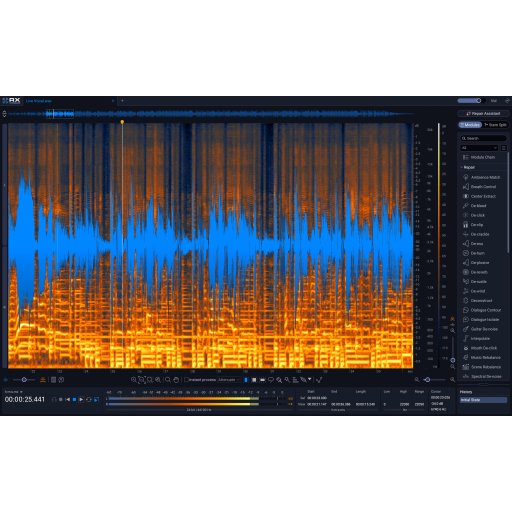
Edit with visual precision
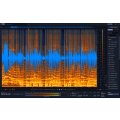
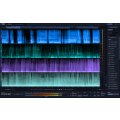
The Spectrogram display lets you see and target unwanted sounds directly in your audio. This visual approach makes it easier to remove interruptions like background noise, clicks, or environmental sounds without affecting the rest of your recording. You can focus on specific problem areas and apply detailed fixes using dedicated modules. It’s particularly useful when working on busy recordings where issues overlap, giving you a clearer way to clean up audio that might otherwise be difficult to fix using standard editing tools.
Work faster with intelligent tools
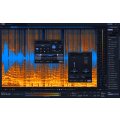
RX 12 is built to save you time without reducing control. The Repair Assistant listens to your audio and suggests tailored fixes, so you can quickly improve recordings without starting from scratch. Updated neural networks power tools like De-bleed and Breath Control, improving how they detect and reduce unwanted elements. This means fewer manual adjustments and more consistent results. Whether you're dealing with dialogue recordings or musical performances, these tools help you move through projects efficiently while still keeping full control when you need it.
Handle complex mixes with ease
Advanced source separation features allow you to break down full mixes into workable elements. With Stems View, you can isolate parts of a track and apply processing individually, making detailed edits far more manageable. This is useful for remixing, post-production tweaks, or fixing issues in fully rendered audio. You can rebalance elements, clean up problem areas, and refine your mix without needing access to multitrack sessions. It’s a flexible way to approach modern audio workflows, especially when dealing with limited source material.
Prepare audio for release confidently
RX 12 includes tools to help you finalise and check your audio before publishing. Loudness Optimize helps you achieve consistent perceived volume, while Streaming Preview lets you hear how your audio will sound on different platforms. These features reduce the risk of unexpected changes after release. Combined with restoration and repair tools, they give you a more complete workflow for finishing projects. Whether you're working on music, podcasts, or video content, you can make informed decisions before your audio reaches your audience.
Included Components
- Scene Rebalance
- Stems View
- Trim Silence
- Music Balance Real-Time Plugin
- De-Bleed Real-Time Plugin
- Breath Control [Plugin Available]
- De-bleed
- De-click [Plugin Available]
- De-clip [Plugin Available]
- De-crackle [Plugin Available]
- De-ess [Plugin Available]
- De-hum [Plugin Available]
- De-plosive [Plugin Available]
- De-reverb [Plugin Available]
- Dialogue Isolate [Plugin Available]
- Dialogue De-reverb [Plugin Available]
- Dither
- EQ
- Fade
- Gain
- Guitar De-noise [Plugin Available]
- Interpolate
- Loudness Control
- Loudness Optimize
- Mixing
- Mouth De-click [Plugin Available]
- Music Rebalance [Plugin Available]
- Normalize
- Phase
- Repair Assistant [Plugin Available]
- Resample
- Signal Generator
- Spectral De-noise [Plugin Available]
- Spectral Recovery
- Streaming Preview
- Time & Pitch
- Variable Pitch
- Variable Time
- Voice De-noise [Plugin Available]
Specifications
- Operating system:
- Mac: macOS Sonoma 14.7, Sequoia 15.7, Tahoe 26.4 (Supported on Intel and Apple Silicon Native & Rosetta)
- Windows: Windows 10, Windows 11
- Format:
- Mac: AU, AAX, AAX Audiosuite, VST3, AU ARA, VST3 ARA.
- Windows: AAX, AAX Audiosuite, VST3, AU ARA, VST3 ARA.